
Home/What we build/CRM Workflows for Allied Health
CRM workflows for allied health, around your practice software.
Give the front desk a clear view of new enquiries and administrative follow-up while the clinical record stays in the system your practice already uses.
Answer a few questions and try the response on your own phone.
See automated follow-up in action.
See what happens when an enquiry gets a reply while you're busy with the job. Add your details and watch the response arrive on your phone.
It's the same system we use in our own business, built around the way you work.
- A real response from the system
- No obligation to book anything
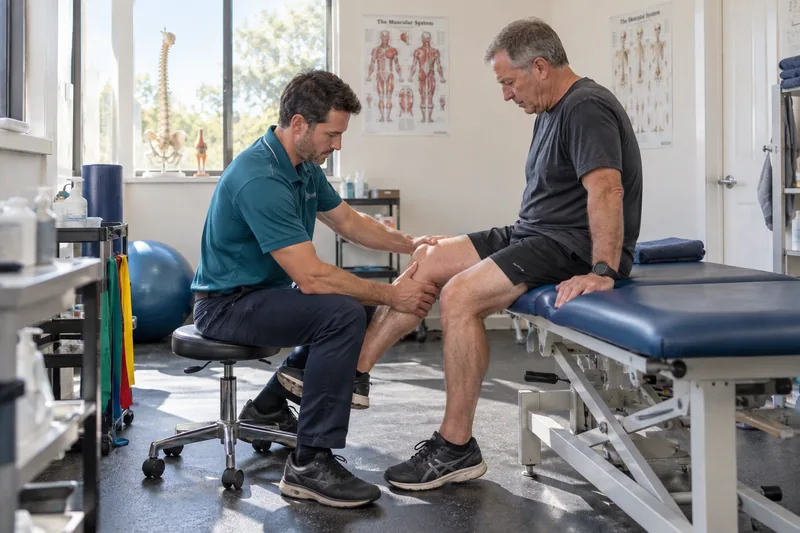
Enquiry management and clinical records have different jobs.
An enquiry record can show who needs a callback, which administrative details are missing and who is responsible. It does not need a copy of every clinical note. We start with the minimum information needed for the task and review access with the practice.
What a useful front-desk workflow covers.
- Capture the new enquiry and its preferred contact method.
- Ask the administrative questions your team has approved.
- Route clinical, sensitive or uncertain questions to a nominated person.
- Offer the next administrative step or an approved booking where the connection supports it.
- Show outstanding callbacks and incomplete paperwork to the front desk.
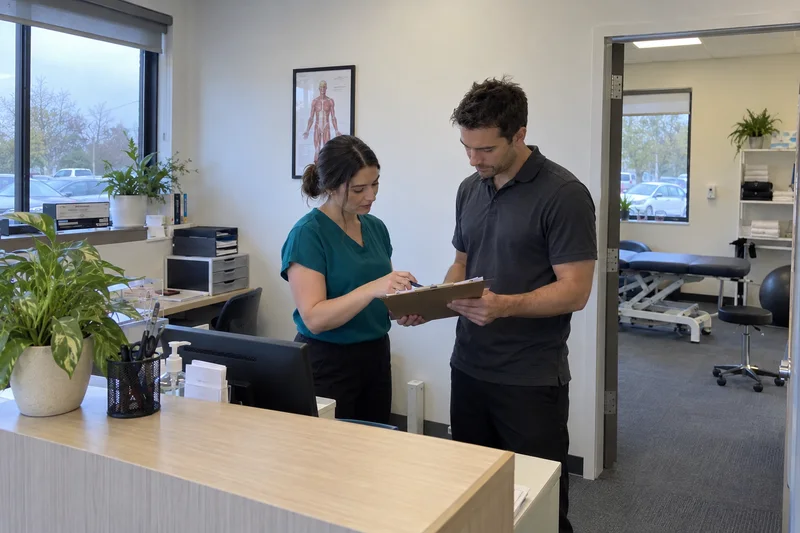
Build around the tools the practice already trusts.
We check your practice-management system's existing reminders, forms and integration options first. A general CRM is not automatically the right answer. Sometimes the better fix is a clearer procedure or a feature you already have.
Before launch, we test duplicate enquiries, changed bookings, missing information and failed connections. The practice agrees who can see each type of record and who handles an exception. Clinical decisions stay with practitioners.
Measure administration with useful definitions.
Start with enquiry response time, outstanding callbacks and completed administrative intake. Keep those measures separate from clinical outcomes. A busy inbox and a well-run intake process are different things.
Explore allied health business systems, client onboarding and AI reception with human escalation.
See the system in action.
Try the enquiry follow-up system on your own phone. Add your details, answer a few questions and see the response arrive.