

See it in actionTry it out

Home/What we build/Customer onboarding and job handovers

Customer onboarding and job handover systems for tradies.

The quote is accepted. Get the job ready to run. An accepted quote shouldn’t mean another night chasing site details, confirming access and explaining the job to the crew. We build customer onboarding and job handovers for tradies, so the paperwork, booking and next steps move together.

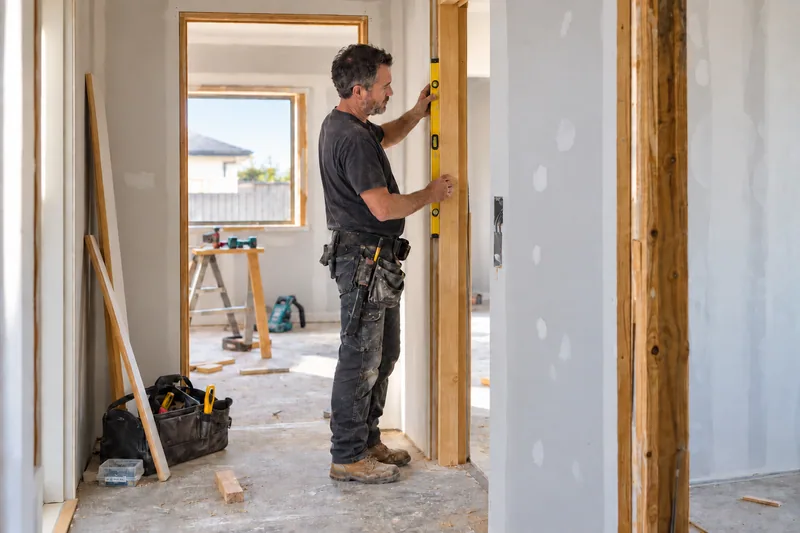
A carpenter checking a door jamb with a spirit level during a renovation
The crew arrives ready.

Site details, scope and the next step stay with the job.

  1. Quote accepted
  2. Site details ready
  3. Crew briefed

Winning the work is only the first handover.

The customer knows what you agreed. Does the person heading to site have the same information?

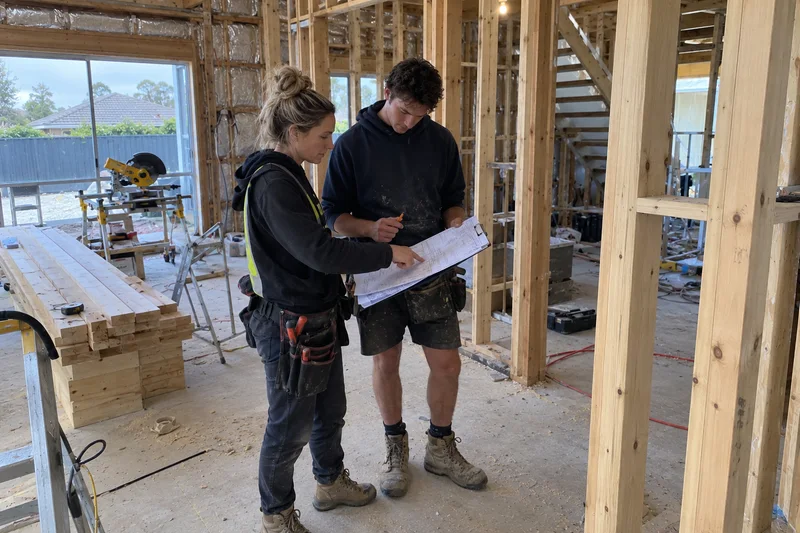
A site supervisor and carpenter reviewing a job brief at a renovation

When you organise it

You remember the details nobody wrote down.

The side gate sticks. The customer needs a call before you arrive. The quote includes removing the old unit. You pass it all on because you remember the conversation.

Then the next job gets accepted while you’re halfway through this one.
When the crew picks it up

A name and an address aren’t a job brief.

The crew arrives without the access instructions or the latest scope. The customer repeats what they already told you. Someone rings to ask whether the deposit is in.

The work waits while you fill in the gaps from another site.

From accepted quote to finished job.

Follow a plumbing job from acceptance to completion. The steps and timing are agreed with you before anything goes live.

  1. The system

    Confirm the accepted scope and send the customer a clear outline of what happens next.

  2. The system

    Request the site address, access instructions and any photos the team needs. Keep the answers against the job.

  3. The office

    Check the agreed deposit or paperwork status where the tools support it. Missing details create a task rather than being silently skipped.

  4. The system

    Send the approved booking window and preparation instructions. Only offer availability your team has made available.

  5. Your crew

    Open one job brief with the scope, customer details, access notes and any outstanding questions. Technical or safety decisions stay with qualified people.

  6. Your crew

    Record completion, photos and any agreed variations. The office can see what is ready to invoice and what still needs approval.

  7. The system

    Send the agreed follow-up and review invitation. Where maintenance is relevant, set the next reminder against the customer’s preferences.

A scope change, complaint or uncertain answer goes to a person. The system keeps the history with the job, so the customer doesn’t have to start again. Systems for trade businesses

Tested in our own gym first.

At Fit For Life, the gym my partner and I own, a new member's first week starts with a trial session. That used to depend on a coach getting to the phone between classes. The figures below cover the peak six months with the system running.

275→ 80

enquiries turned into new members

$4k+

a week in revenue we weren't seeing before

We're coaches, so when classes are running nobody can touch a phone, and that used to mean enquiries just sat there. Some heard back from us days later. Most booked somewhere else, and we never really knew how many we'd lost. Now every call and message gets answered within seconds, trial sessions get booked while we're still on the floor, and the follow-up keeps going until someone actually walks in.
Laura Healy, Fit For Life Health & Fitness, Melbourne

The customer should know what happens next.

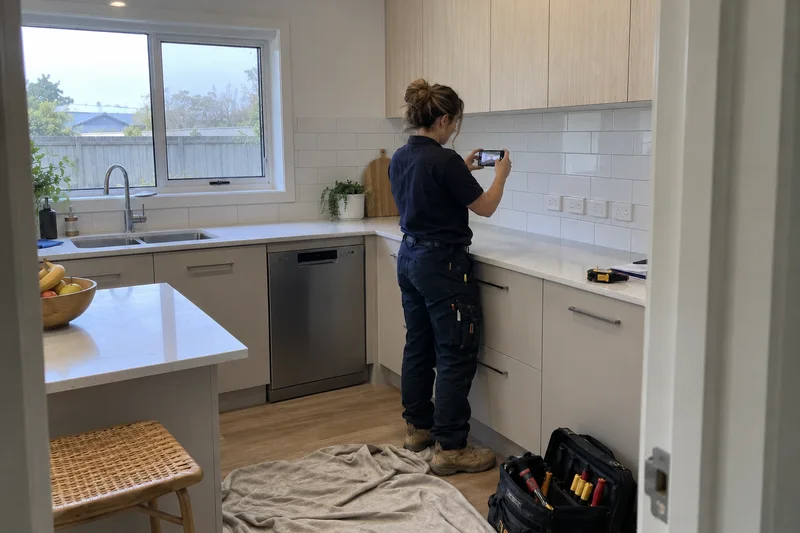
An electrician taking completion photos of a finished kitchen installation

Once the quote is accepted, silence creates more calls for the office.

A confirmation, an arrival window and clear preparation instructions answer the questions customers usually ring about. When plans change, the team sees the reply and owns the next step.

The same job record gives your crew the information they need before they arrive. It connects to your existing job management, calendar and accounting tools where supported, rather than creating another place to retype everything.

Questions about customer onboarding and job handovers.

What does customer onboarding mean for a tradie?

It covers everything between the customer saying yes and your crew being ready to do the job. That includes confirming the scope, collecting site details, checking paperwork and deposits, booking the work and sharing the job brief.

What if each job is different?

We separate the common steps from the exceptions. A repair, a quoted installation and a larger project can follow different paths. Unusual scope, pricing and safety questions go to your team.

Will it work with our job management software?

We check what your current tools can support before promising a connection. Useful features stay in place. Any new tool, integration or manual handover is set out in the scope.

Can it include review requests and maintenance reminders?

Yes, as agreed steps after completion. Review requests use neutral wording and consistent eligibility. Maintenance reminders depend on the work you do and the customer’s communication preferences.

How is it priced?

The systems map is paid, with its scope and fee confirmed before booking. Any build is scoped separately, with a fixed price in writing before work starts.

See the system in action.

Try the enquiry follow-up system on your own phone. Add your details, answer a few questions and see the response arrive.